
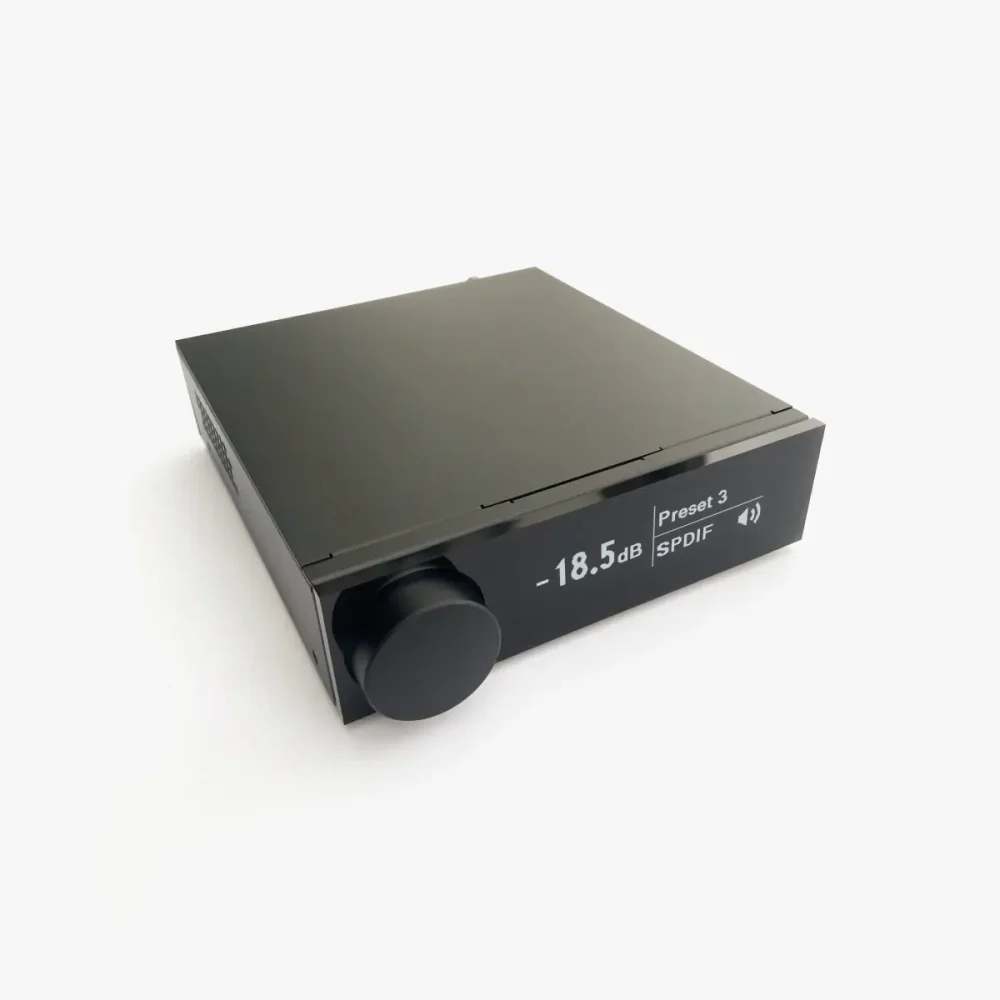
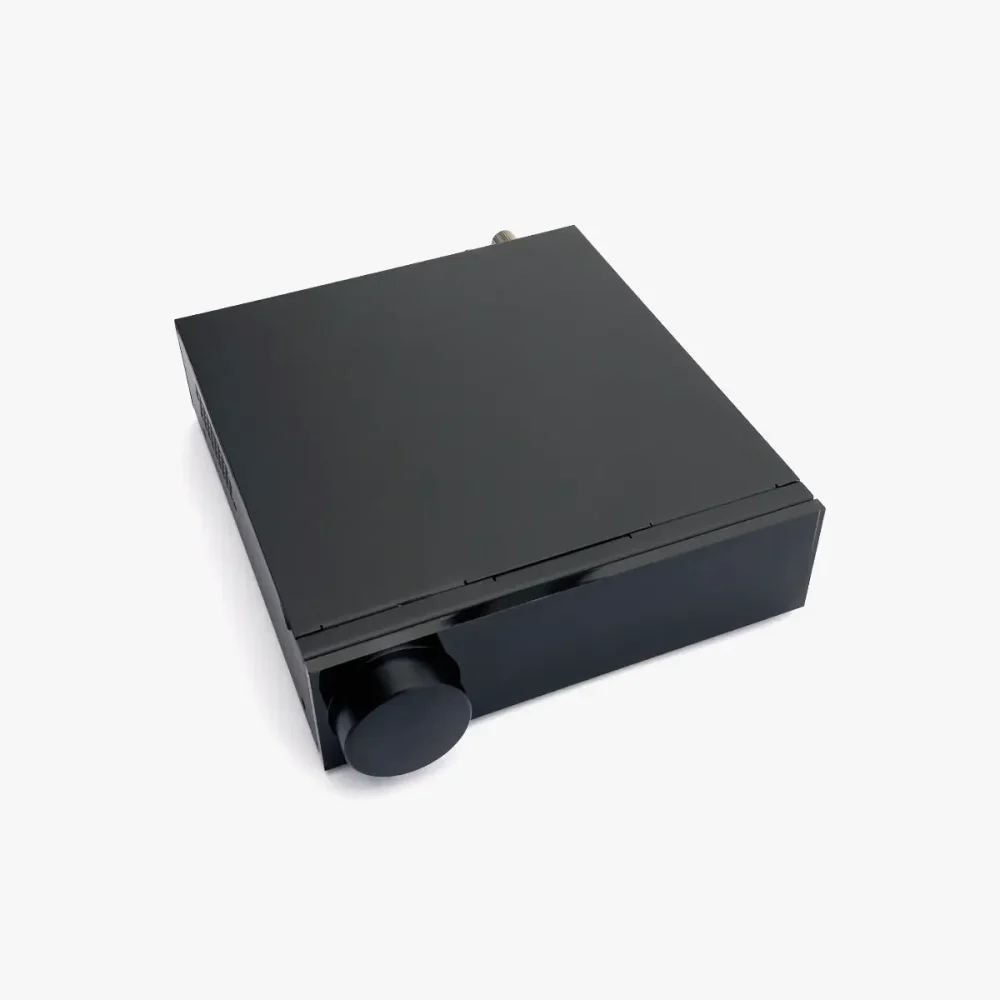


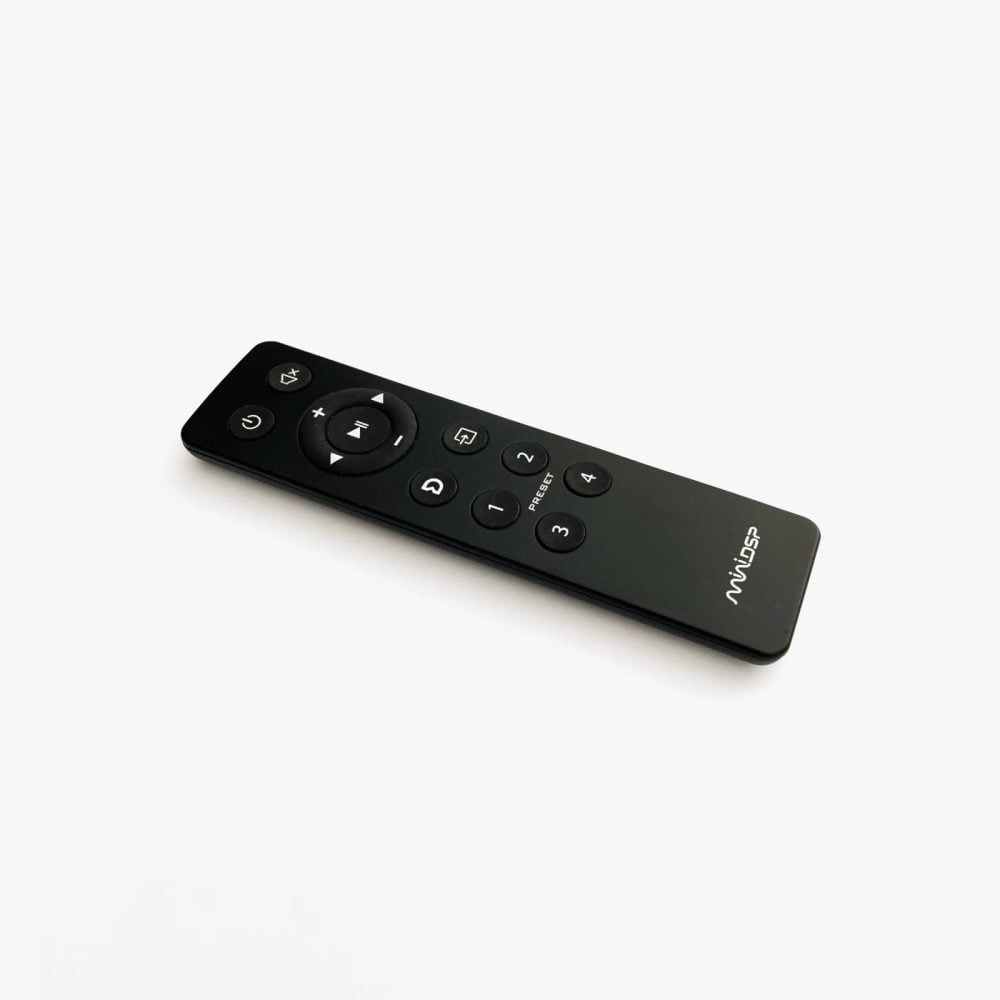
miniDSP Flex 2 In / 4 Out Audio Processor
The miniDSP Flex 2 In / 4 Out audio processor is a compact and highly flexible DSP platform designed for modern stereo systems. It allows precise control over subwoofer integration, active crossovers, equalisation and system optimisation, and is available in Flex RCA, Flex Balanced and Flex Digital versions. Dirac Live room correction is optional.
Price range: £629.00 through £679.00
Availability:
Ask a question
Ask a question
Part exchange
Part Exchange
Price match
Price Match
Delivery & returns
Delivery & Returns
We offer free UK delivery on most items using services from Royal Mail and DPD. We’ll let you know as soon as your order has shipped and provide tracking details.
For click & collect items, we’ll notify you by email when your order is ready for collection. We can also provide delivery in person on click & collect orders over £1,000 within 50 miles of Manchester, or nationwide on orders over £5,000 — just ask if you’d like to arrange this.
We want you to be delighted with your purchase. If you change your mind, you can return any item within 30 days for a full refund or exchange, provided it’s in unmarked condition with all packaging and accessories.
For full details of our policies, please see our Delivery and Returns pages.
Category:
Brand:
Description
Introducing the miniDSP Flex 2 In / 4 Out Audio Processor
The miniDSP Flex 2 In / 4 Out audio processor is a compact digital signal processor (DSP) platform designed for subwoofer integration, active crossovers and system optimisation in stereo systems. It is available in three versions: Flex RCA, Flex Balanced and Flex Digital. Each version uses the same DSP processing platform and software, but offers different analogue or digital connectivity to suit different systems.
What the Flex does
Flex gives you precise control over how your speakers and subwoofers behave in your room. You can implement crossovers, adjust levels, apply parametric EQ, add delay for time alignment and route signals flexibly using the built-in matrix mixer. This makes the Flex suitable for straightforward two-channel systems with a subwoofer, as well as more ambitious active crossover setups.
Digital connectivity
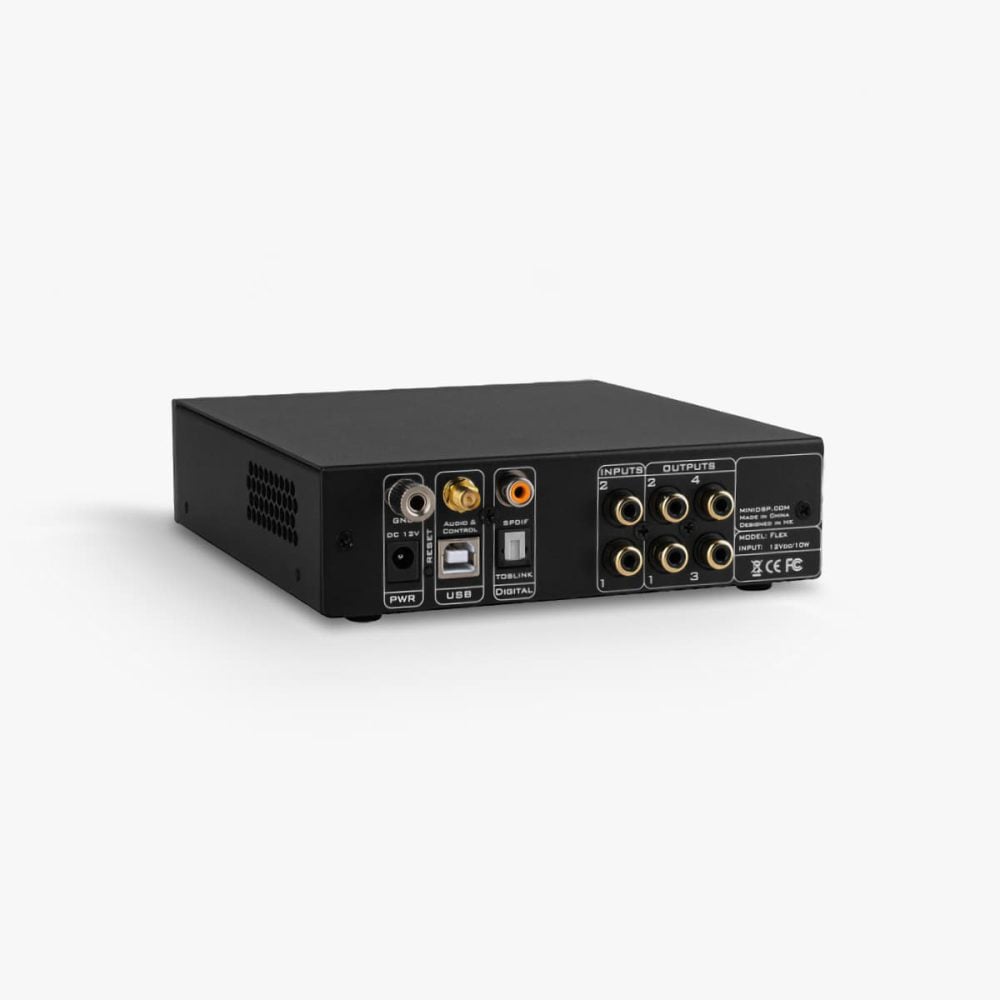
All versions of the miniDSP Flex include USB, coaxial, optical and Bluetooth digital inputs. The USB interface also supports bi-directional audio, allowing audio to be sent from the Flex back to a macOS or Windows computer. This can be used for recording and archiving audio, and it can also be useful during system setup when working with measurement and analysis software.
Three versions: RCA, Balanced and Digital
Flex is available in three versions. They share the same DSP capabilities and digital inputs, but differ in their analogue and output options.
Flex RCA
Flex RCA is designed for conventional hi-fi systems using standard RCA connections. It provides two analogue RCA inputs and four analogue RCA outputs, making it a natural fit for systems where you want to integrate one or more subwoofers, implement an active crossover, or apply DSP-based optimisation while keeping the rest of the system simple and familiar.
Flex Balanced
Flex Balanced uses balanced TRS inputs and outputs. Balanced connections offer improved noise rejection and are particularly useful with balanced DACs, studio equipment, active monitors, or longer cable runs where signal integrity matters. If the rest of your system is built around balanced interconnects, Flex Balanced is usually the most straightforward choice.
Flex Digital
Flex Digital is designed for systems that already include an external DAC. It provides analogue inputs but uses digital outputs, allowing the Flex to perform DSP processing while leaving digital-to-analogue conversion to a separate component. This is a good option if you want the flexibility of the Flex platform but prefer the sonic character or connectivity of your own DAC.
Need more than four output channels?
If you need more than four output channels, and you can manage without analogue inputs, have a look at the Flex Eight 2 in / 8 out model. This is our go-to option for multi-sub optimisation using three or more subwoofers.
Need more analogue inputs or a phono stage?
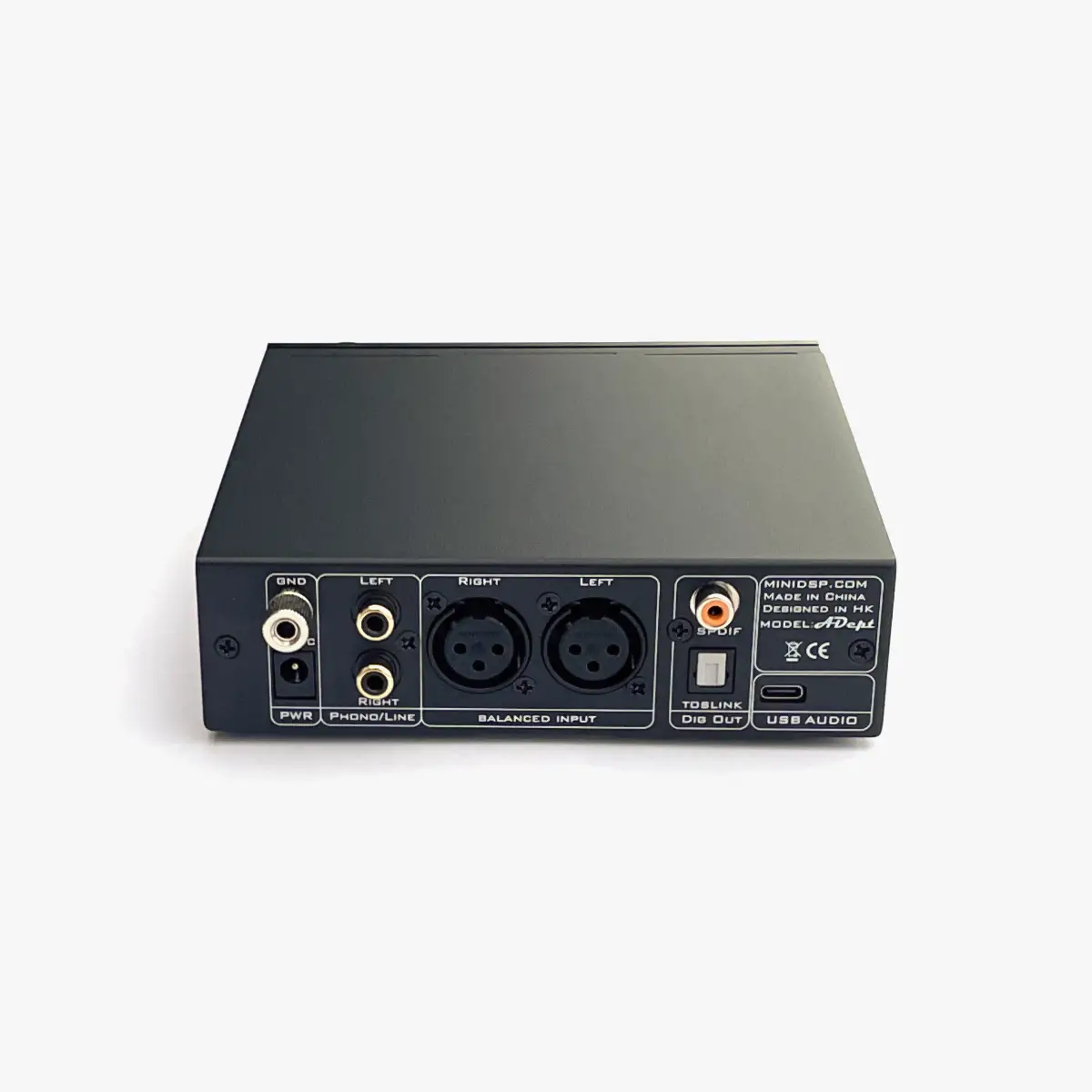
If you need more analogue inputs, consider pairing your Flex processor with the miniDSP ADept analogue-to-digital converter. It offers RCA and XLR inputs, and connects to your Flex via optical or coaxial. ADept also has a built-in MM/MC phono stage, providing a clean and simple option for connecting a turntable.
Dirac Live room correction (optional)
Dirac Live room correction is available as an optional upgrade for the miniDSP Flex platform. Dirac analyses how your speakers interact with your room and creates correction filters that address both frequency response and timing, helping to reduce unwanted colouration, tighten bass and improve clarity and imaging.
Dirac Live can be added at the time of purchase or activated later via a software licence through the miniDSP Device Console companion software. Once licensed, you measure your system using a calibrated microphone, generate correction filters, and load them into the Flex.
KD-1 controller (optional)
miniDSP offers the KD-1 smart remote control as an optional hardware controller for the Flex platform. It provides convenient day-to-day control of volume, input selection, preset selection and Dirac on/off, with clear visual feedback via its built-in display, without needing to use the front panel controls or IR remote. KD-1 is compatible with Flex 2 in / 4 out models, Flex Eight and all SHD models.
Key features
- High-precision DSP engine with 32-bit floating-point processing
- 2 input / 4 output architecture for sub integration and active crossover setups
- Matrix mixer for flexible routing and summing options
- Parametric EQ, crossover filters, delay and time alignment
- USB, coaxial, optical and Bluetooth digital inputs
- Optional Dirac Live room correction support
- Compact chassis and straightforward configuration software
Measurement microphones
If you are planning to use Flex for room correction or subwoofer integration, accurate acoustic measurements are essential. You will need a measurement microphone, a Mac or PC, and measurement software such as Dirac Live or Room EQ Wizard.
For most measurement tasks we recommend the miniDSP UMIK-1. It is simple to use, widely supported and is an excellent match for typical Dirac Live and REW workflows.
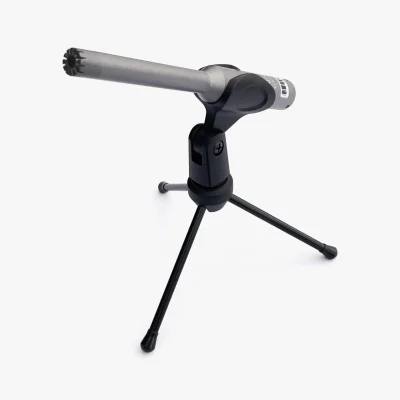
We also stock the premium miniDSP UMIK-2 microphone. This model has a larger capsule and a high performance analogue-to-digital converter, which give it greater sensitivity, higher dynamic range, a wider frequency range, and lower self-noise, for even more precise measurements.
Frequently asked questions
Which Flex version should I choose?
Choose Flex RCA for conventional hi-fi systems using RCA connections. Choose Flex Balanced if your system uses balanced connections or studio equipment. Choose Flex Digital if you already have an external DAC and want the Flex to remain in the digital domain at the output stage.
Does the Flex include Dirac Live?
Dirac Live is optional on Flex models and requires a software licence. Dirac Live can be activated by purchasing a licence through the miniDSP Device Console software.
Can I integrate one or more subwoofers with Flex?
Yes. Flex is commonly used for subwoofer integration. You can implement high-pass and low-pass filters, adjust delay for time and phase alignment, and apply EQ to help achieve smooth integration at the listening position.
What if I have more than two subwoofers?
You can use the Flex’s 4 output channels however you like, so a single Flex can manage up to 4 subwoofers, but only if you do not also want to apply high-pass or room-correction filters to your main speakers. If you want to apply filters to both your speakers and subwoofers, and you have more than 2 subwoofers, the Flex Eight is the better choice. With 8 output channels, it can manage a pair of speakers and up to 6 subwoofers. It is also a great option for building crossovers for 3-way or 4-way active speaker systems.
Can Flex be used for active crossovers?
Yes. Flex can be configured to implement active crossovers and is suitable for two-way active setups, or for more advanced configurations depending on your requirements. If you need more output channels for complex active loudspeaker systems, consider the Flex Eight or Flex HT models.
Does the miniDSP Flex support the KD-1 controller?
Yes. the KD-1 smart controller is compatible with Flex 2 In / 4 Out models. It provides convenient control of volume, input selection, preset selection and Dirac on/off, with visual feedback via its built-in display.
Do I need Dirac Live for room correction?
No, Dirac Live is optional. You can apply very effective room correction using the parametric EQ filters included as standard. You can use free Room EQ Wizard (REW) software to take measurements and design filters. REW can export these filters in a format which can easily be imported by miniDSP’s Device Console software.
What do I need to use Dirac Live?
You will need a Dirac Live licence, a computer to run Dirac Live, and a calibrated measurement microphone. The miniDSP UMIK-1 is the most common choice for this purpose. miniDSP also offers a premium UMIK-2 microphone, with a larger, more sensitive capsule and upgraded ADC.
Can I add Dirac Live later?
Yes. Dirac Live can be enabled later by purchasing and activating a licence via the miniDSP Device Console companion software. The licence costs $199 (~£150).
What is AutoEQ?
AutoEQ provides a simplified measurement and filter design tool for users who may not wish to learn the full feature set of tools such as Room EQ Wizard (REW). AutoEQ uses REW in the background, so the measurements and filters are of the same high quality, but it hides a lot of the complexity for the most common tasks. Using AutoEQ requires an optional $30 (~£23) licence which can be purchased from the Device Console app.
Specifications
| Attributes | Value |
|---|---|
| Brand |
miniDSP |
| Colour |
Black |
| DSP |
400 MHz Analog Devices SHARC DSP |
| Dimensions (W x D x H) |
150 x 180 x 41 mm |
| Input / Output Version |
Analogue RCA, Balanced Analogue TRS, Digital RCA and Toslink |
| Version |
Analogue (RCA), Balanced analogue (TRS), Digital (RCA and Toslink) |
Try it with these…
-
-

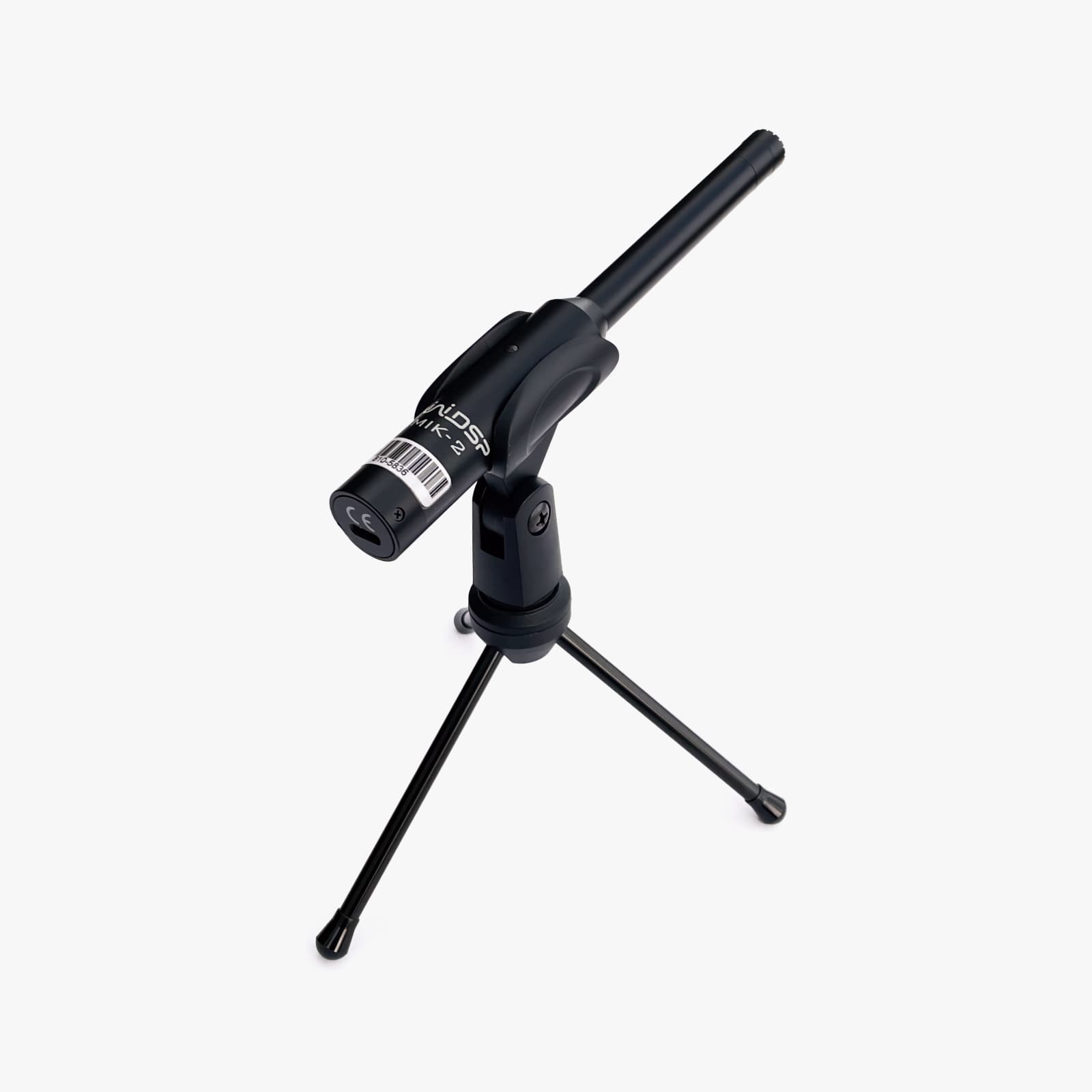
miniDSP UMIK-2 Measurement Microphone
Original price was: £295.00.£249.00Current price is: £249.00. -

-
